Transform Ecommerce Inventory Management for Better Business Growth with eopsify
Knowing what you have, where it is, and when to reorder. That is ecommerce inventory management. Get it wrong and you lose sales. Get it wrong the other way and your cash sits on shelves collecting dust.
Most store owners start with spreadsheets, and that works for 20 products. But at 100 products, one wrong entry can create inventory issues. By the time you reach 200 products, you often end up with multiple spreadsheets, and no one knows which one is actually correct.
The result is the same every week. You run out of your best-selling items. You buy too much of what does not move. You spend Friday afternoon counting stock instead of growing your business.
To transform ecommerce inventory management, you need a system that gives you one accurate number across every sales channel. This guide covers the problems, why they happen, and how eopsify fixes them.

Three Inventory Problems That Hold Your Business Back
Problem one: You do not know your real stock levels without counting
Someone on your team walks to the shelf, looks at each product, and writes down a number. By the time they finish, the first number is already wrong because a sale came through.
You cannot make good decisions with old data. But that is what most store owners use.
Problem two: Your sales channels show different numbers
You sell on your own online store. You also sell on large marketplaces. Maybe you have a physical location or you sell at local events.
Each platform has its own stock count. A customer buys from a marketplace. Your own online store still shows that product available. Another customer buys it there. Now you've oversold, and you have to cancel an order.
Problem three: You run out of your best products
Your top-selling item goes out of stock every few months. Each time it happens, you lose sales. Some of those customers go to a competitor and do not come back.
You knew the product was running low. But you did not have a system telling you when to reorder. So you waited until you saw zero, then placed an order, then waited weeks for delivery.
Why Ecommerce Businesses Continue to Face Inventory Management Challenges
Reason one: Manual processes do not scale
Spreadsheets and handwritten counts work at the start. But every new product adds complexity. Every new sales channel adds another place to check.
A person can only track so many numbers before making a mistake. Missing one zero or typing 50 instead of 15 leads to wrong decisions.
Reason two: Your platforms do not share data
Your online store does not talk to your marketplaces automatically. Marketplaces do not talk to your physical location. Each one runs its own count.
You become the connector. You log into each platform, check the numbers, and try to remember which one is correct. That is not a system. That is a headache.
Reason three: You have no reorder triggers
You reorder when you notice the stock is low. Noticing is not reliable. Some weeks you are busy with customer orders and you do not check.
A proper smart inventory management system sends you an alert at the right time, helping improve your ecommerce operations management. Without that alert, you are always guessing.

How eopsify Transforms Ecommerce Inventory Management
What eopsify does:
eopsify connects to every place you sell. Your online store. Marketplaces. Your physical store POS, B2B portals.
When a sale happens on any channel, eopsify sees it immediately. It subtracts that unit from your total stock. Every channel shows the same number because they all pull from eopsify.
You stop overselling. You stop guessing.
Real store owner experience
A store with 150 products sells on its own website and on two large marketplaces. They also have a small retail space.
Before eopsify, one person spent four hours every Monday counting stock. They ran out of their top product twice in one year. Each stockout cost about $1,500 in lost sales.
After eopsify, they open one dashboard on their phone. They see stock levels for every product across all sales channels. The system sends an alert when any product drops to 20 units. They reorder the same day.
Eight months later, they have not run out of any top product. The Monday counting task is gone.
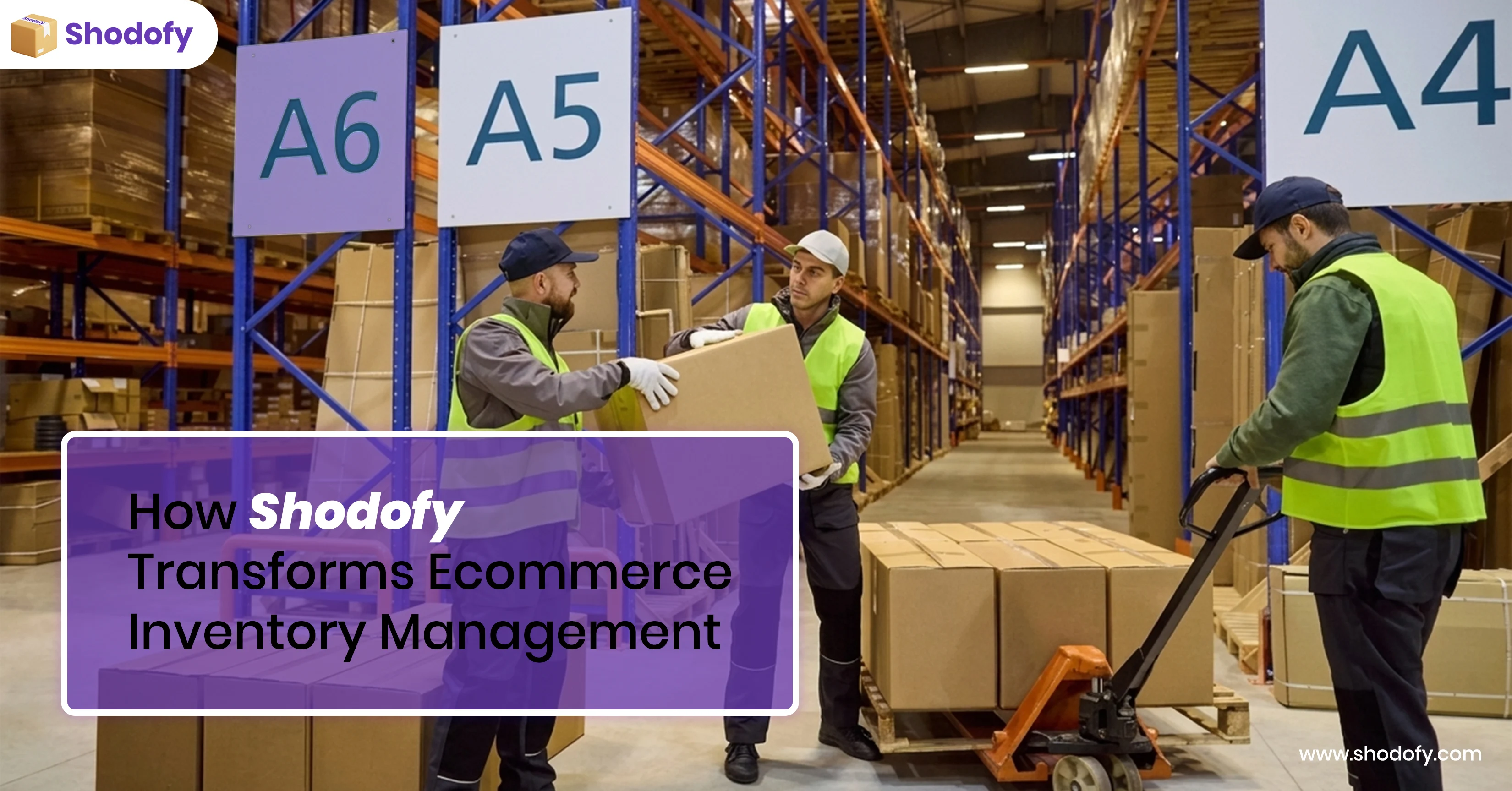
Key Features of Ecommerce Inventory Management
One dashboard. You see total stock across warehouses, stores, and returns. No logging into multiple platforms.
Low stock alerts. You set a minimum number for each product. When stock hits that number, eopsify tells you.
Automated reordering. eopsify triggers purchase orders when stock runs low. You do not have to remember or check manually.
Order fulfillment automation. eopsify automates order routing, picking, packing, and shipping.
Returns handling. When a customer returns a product, eopsify adds it back to your stock count automatically.
Cost tracking You enter what you paid per unit. eopsify calculates your total inventory value. You know exactly how much cash is sitting on your shelves.
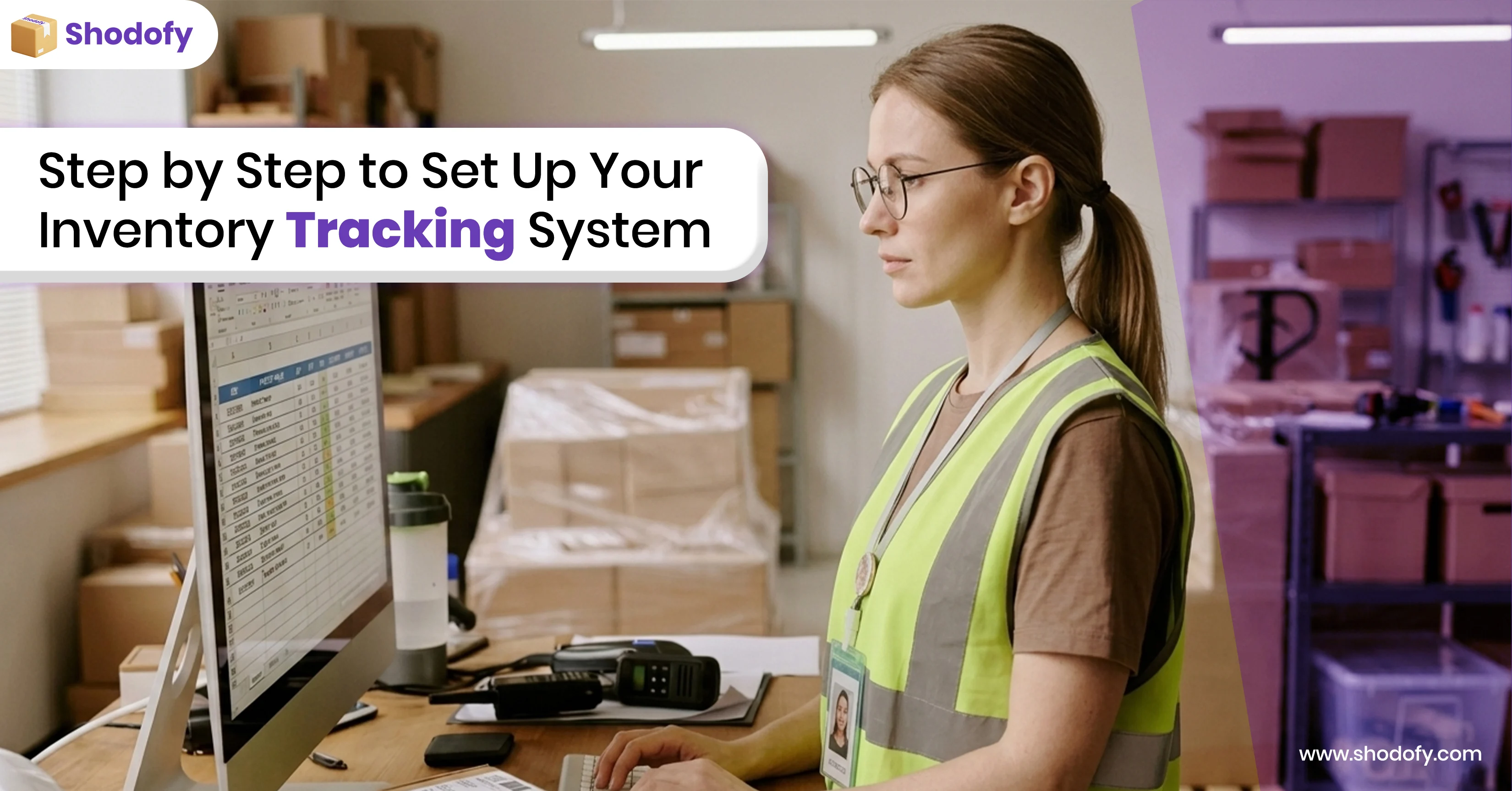
Step by Step to Set Up Your Inventory Tracking System
You can complete these steps in one day.
Step one: List your top 50 products
Do not connect everything at once. Start with the products that make 80 percent of your revenue. Write down the current stock count for each one.
Step two: Set reorder points
For a product that sells 10 units per week and takes two weeks to arrive from your supplier, set your reorder point at 30 units. That gives you 10 units of safety stock.
eopsify lets you enter this number once per product. The system tracks it from there.
Step three: Connect your sales channels
Give eopsify access to your online store, marketplaces, and other platforms. This takes five minutes per channel. Once connected, eopsify starts pulling orders automatically.
Step four: Run parallel for one week
Keep your old method for seven days. Compare numbers. When you see eopsify matches your physical count, switch over completely.
Five Benefits of Smart Inventory Management with eopsify
You can complete these steps in one day.
No more overselling. Your channels show the same stock number because they all pull from eopsify. If you have 15 units left, every store shows 15 units.
Less cash tied up in inventory. When you know exactly what you have, you stop buying just in case. Stores typically reduce inventory value by 15 to 25 percent.
Faster order fulfillment. Automated order routing means your team stops searching for stock. Orders go out same day more often.
Fewer stock discrepancies. Manual entry errors disappear. What you count is what the system shows.
Better supplier relationships. Automated purchase orders go out when you actually need stock. Not early. Not late. Suppliers trust your orders because you do not cancel or rush.
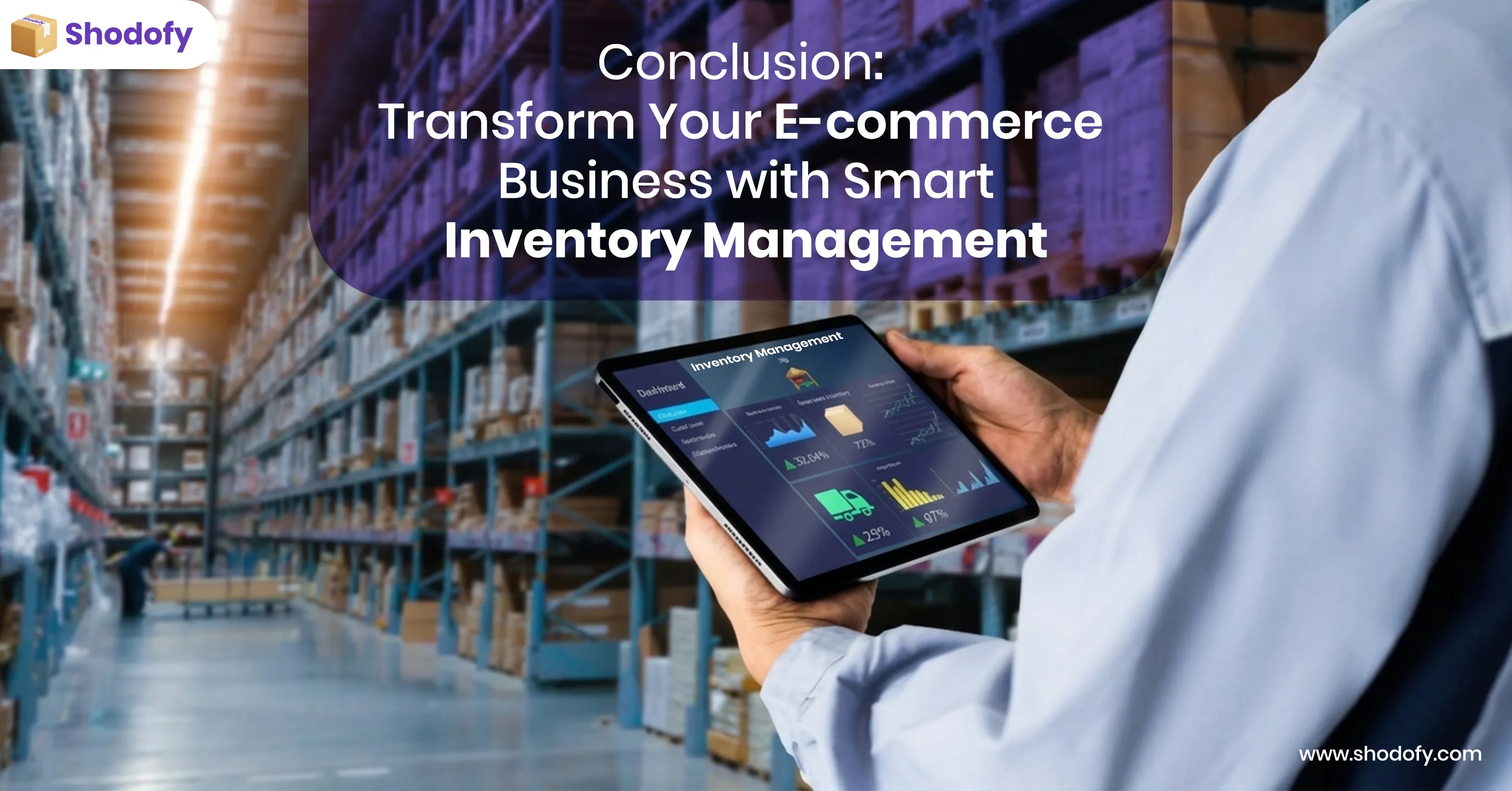
Conclusion: Transform Your Ecommerce Business with Smart Inventory Management
To transform ecommerce inventory management , you need one accurate number for each product, a reorder point you set in advance, and a way to see everything in one place.
Spreadsheets stop working after 50 products. Manual counts waste time and still fail. Disconnected channels guarantee overselling.
eopsify gives you the one dashboard, low stock alerts, and automated reordering.